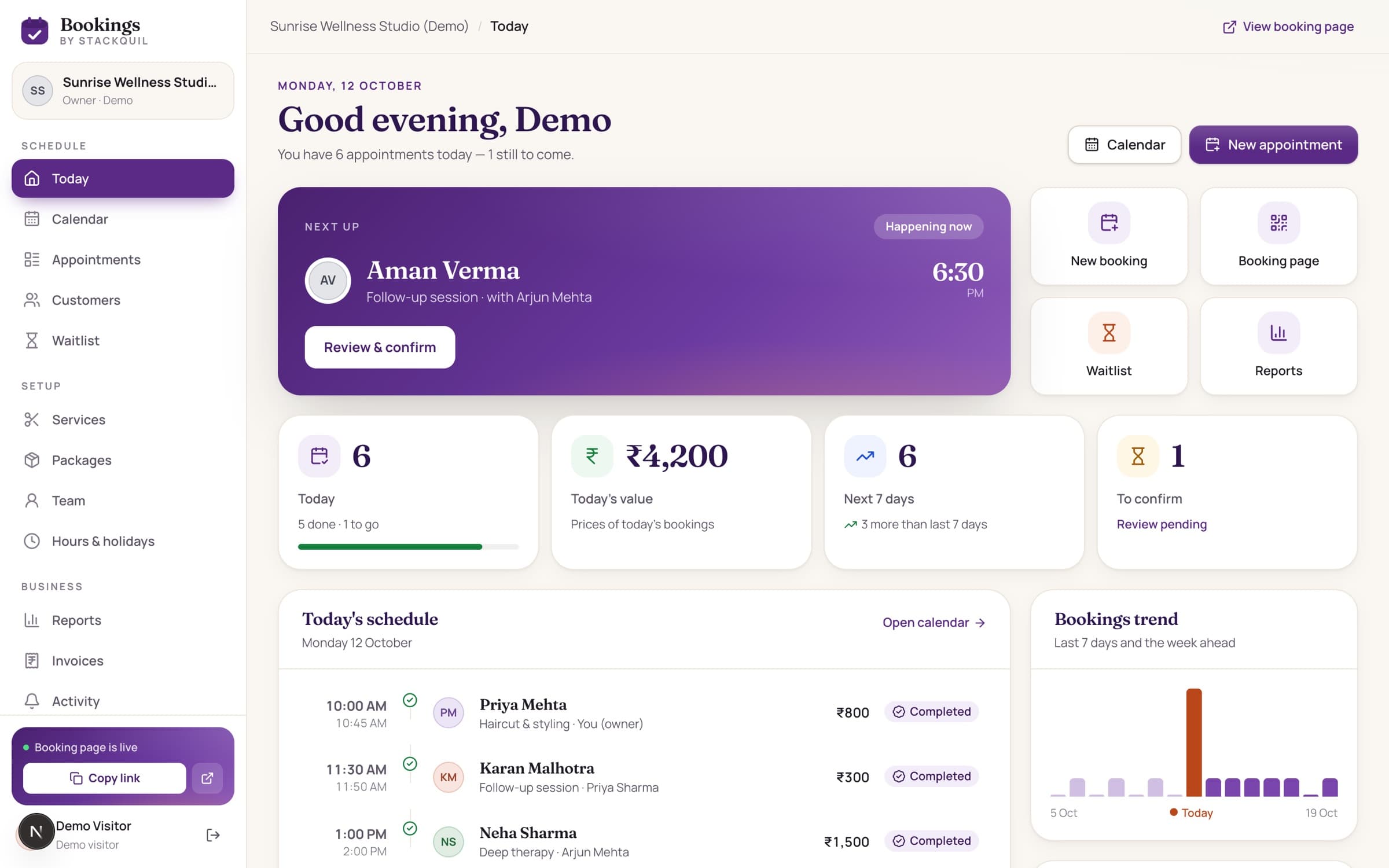
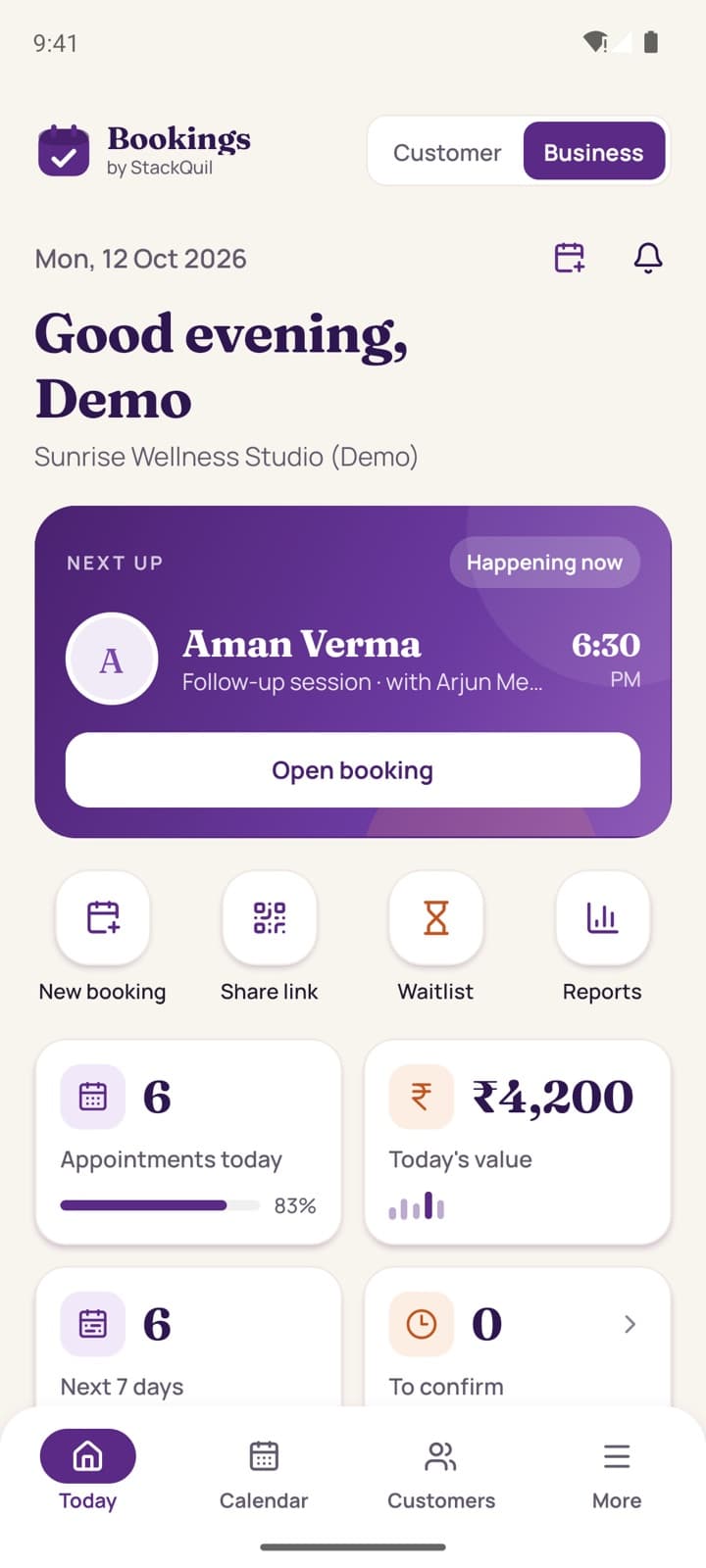
Web dashboard + Android app, always in sync
Appointments that book themselves.
A booking page your customers love, a calendar your team runs on, and an app in your pocket. For salons, spas, clinics and consultants across India.
- Free demo, no sign-up
- No double bookings
- GST invoices built in
Who it's for
Made for businesses that run on appointments

Salons
Stylists, service lengths, clean-up time.
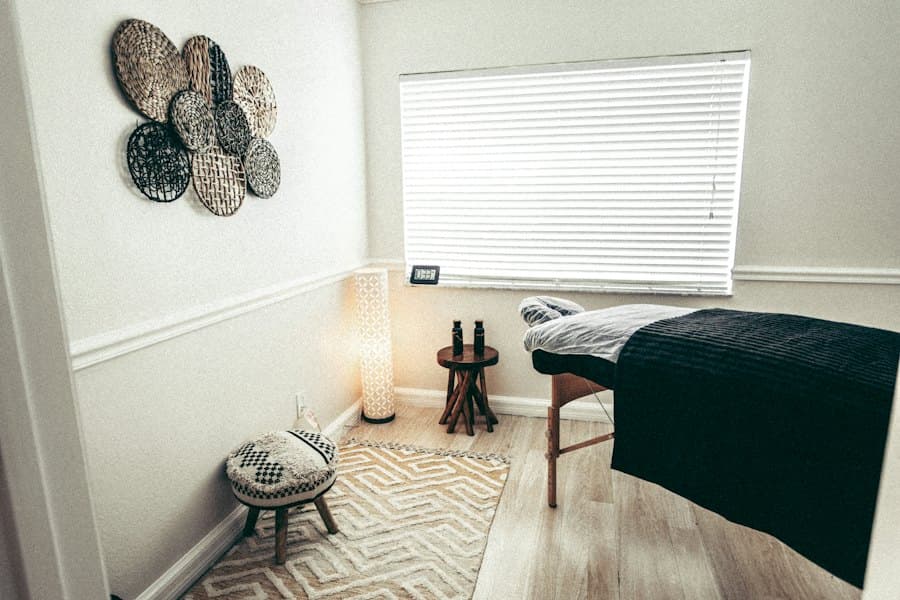
Spas & wellness
Therapists, rooms and prepaid packages.
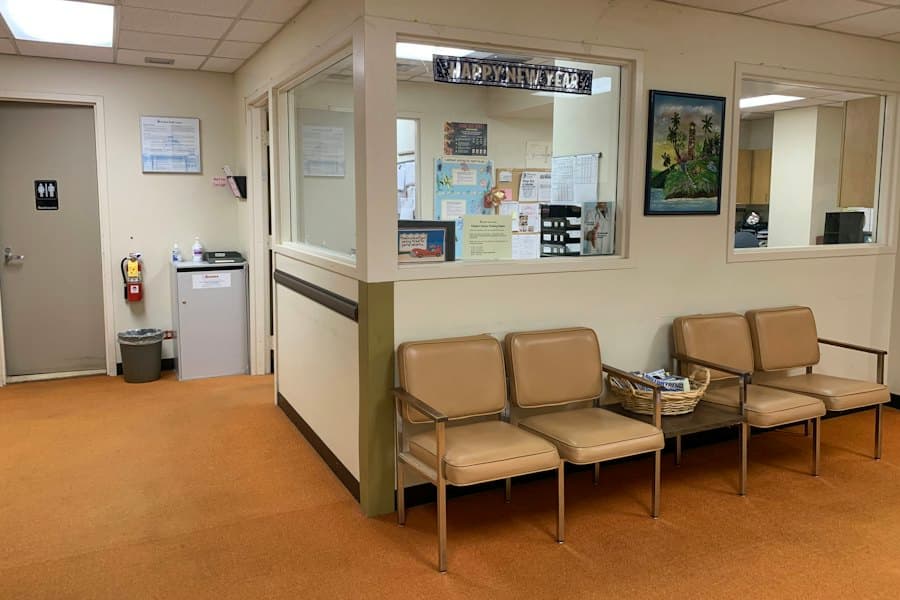
Clinics
Consultations with breaks between patients.

Dental
Check-ups, follow-ups and reminders.

Physio & fitness
Session bundles across the week.

Consultants
Paid calls with a cancellation window.
For your customers
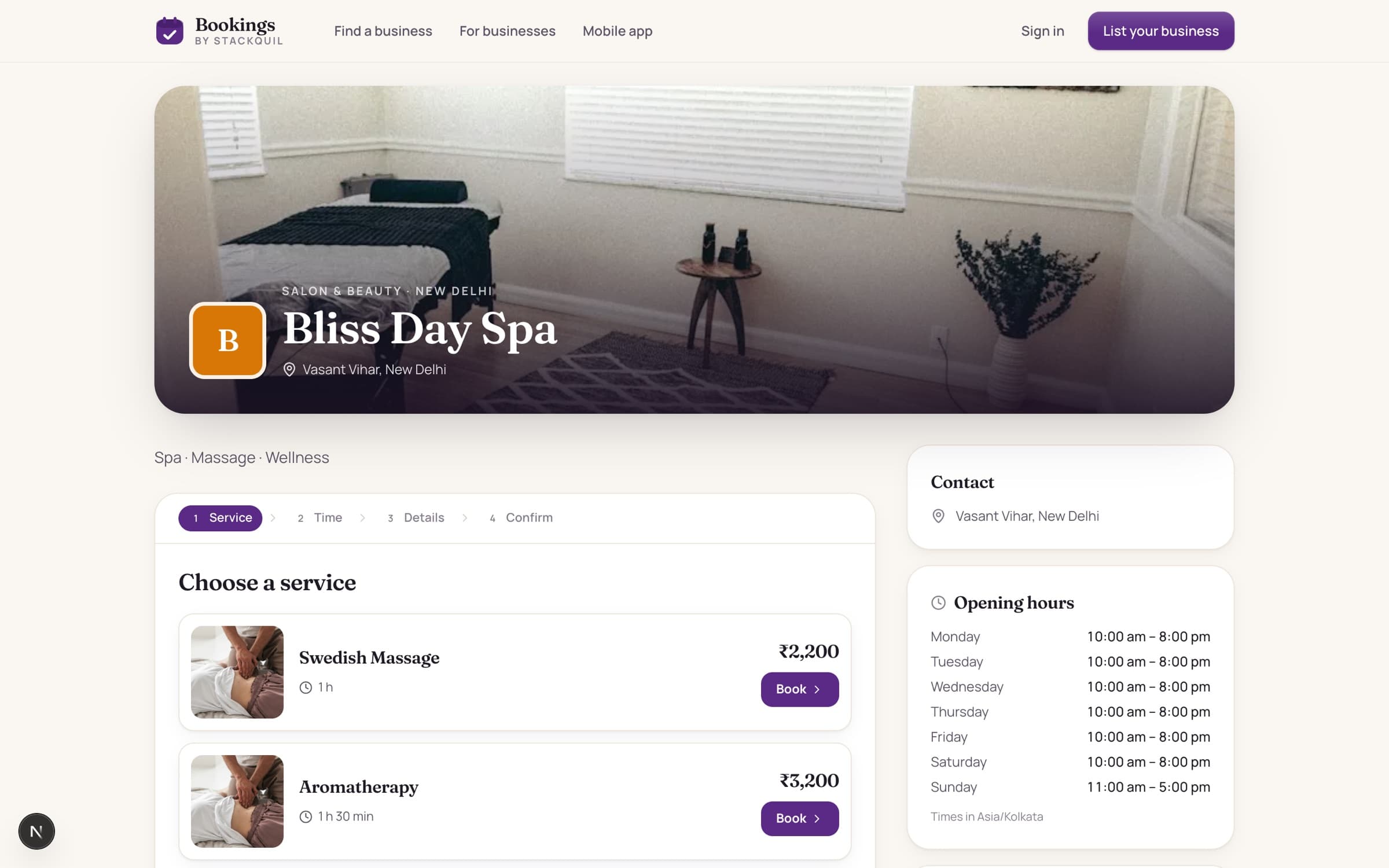
A booking page that sells for you
Your photos, services and prices on one link. Customers pick a service, a person and a free time, and get a confirmation in under a minute — no account, no phone tag.
- Share it on WhatsApp, Instagram and Google
- Print the QR code for your reception desk
- Customers reschedule or cancel on their own
Android app + web dashboard
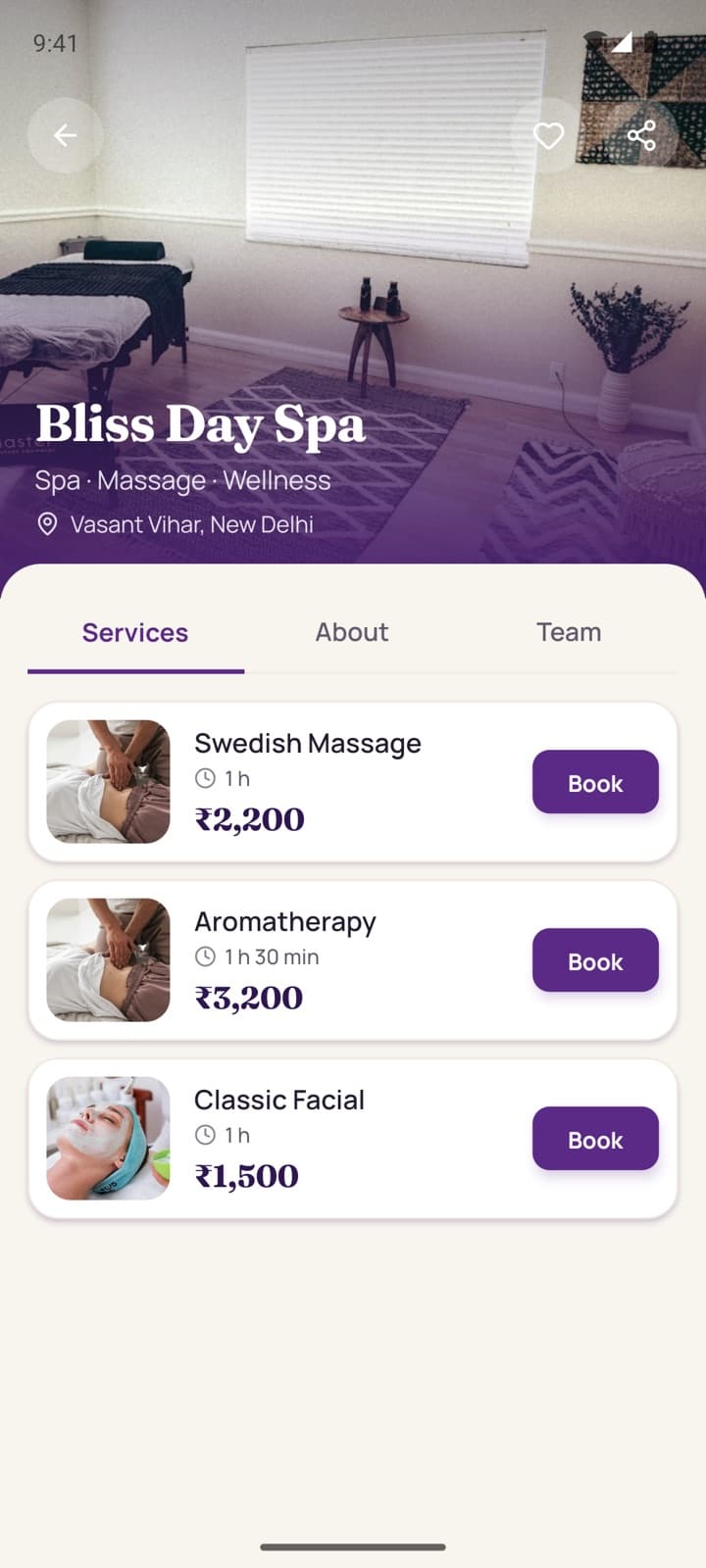
Run your day from your pocket.
Check today's schedule, confirm bookings, record payments and share your QR link from the app. Everything stays in sync with the web dashboard, live.
- Next-up card with one-tap confirm and call
- Team calendar, customers and GST invoices
- Same account on web and mobile — changes sync instantly
31 MB · Android 7+ · Allow “install from unknown sources” when asked. Tap “Live demo” to explore.
Real app, real server
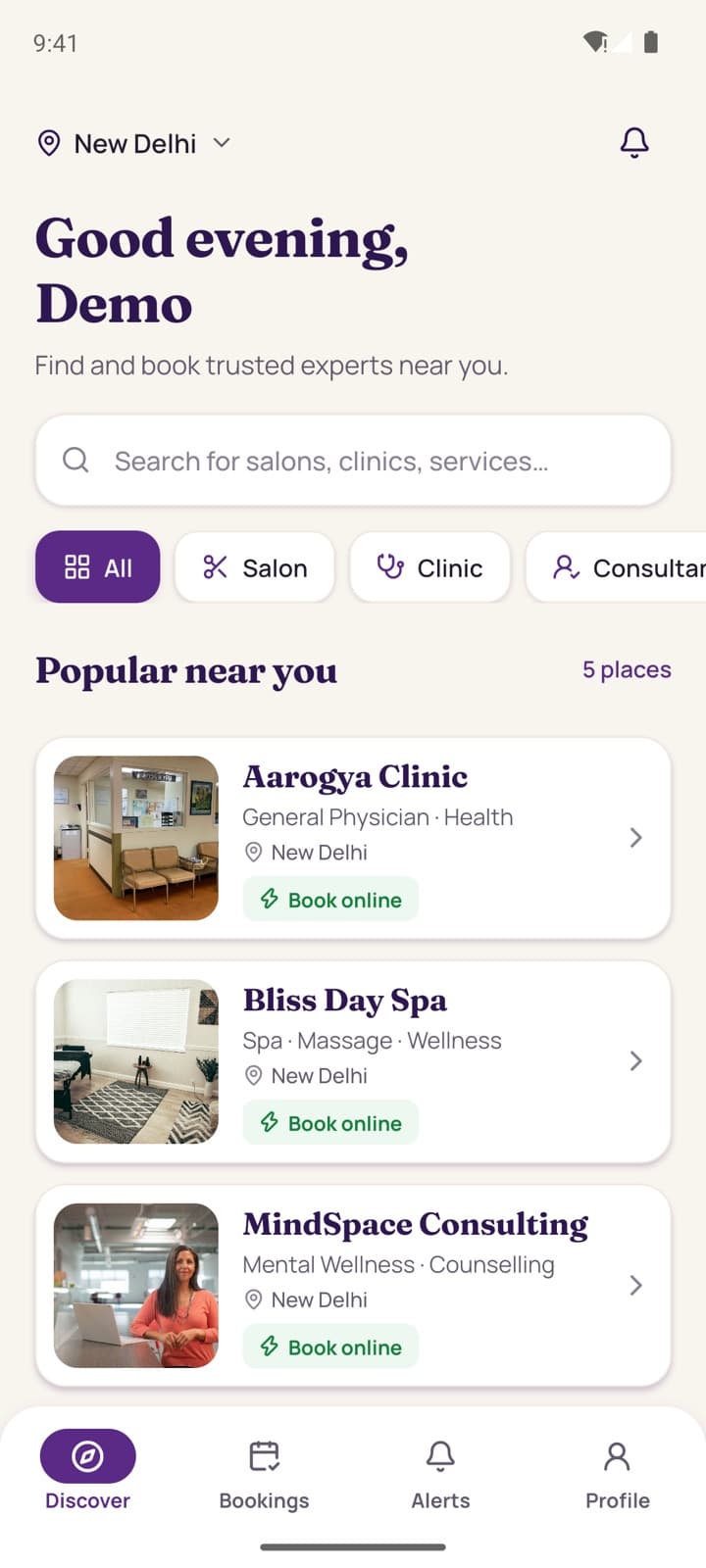
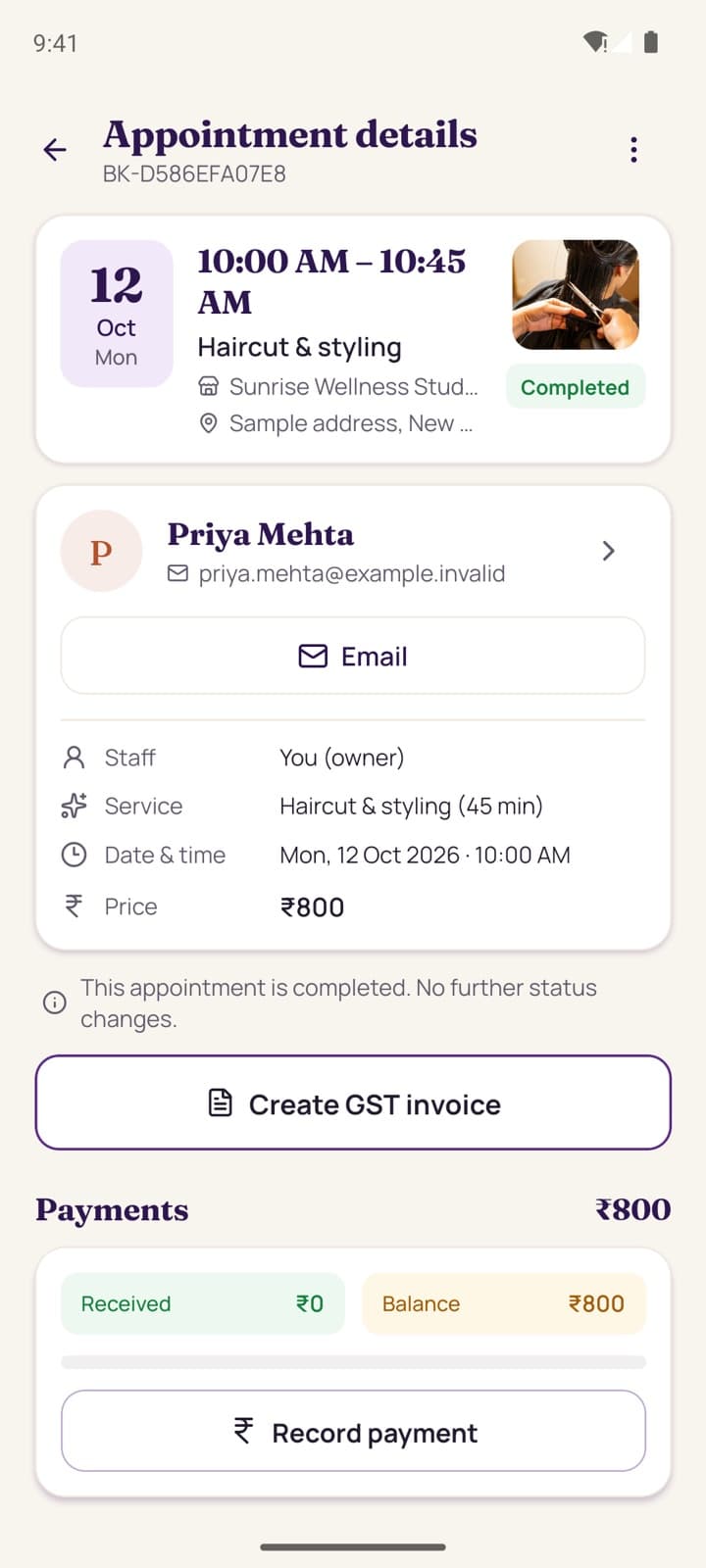
See the app in action
An unedited screen recording of the Android app running against this live website: the live demo, today's schedule, the team calendar, appointment details, customers, reports and opening hours.
- Same account and data as the web dashboard
- Changes in the app show on the web instantly
- Install the APK and try it on your own phone
For businesses
Live in an afternoon
Add your services
Name, duration, price, photo and who performs each one.
Set your hours
Opening hours, breaks, holidays and each person's own days.
Share your link
Publish your page, print the QR and share it on WhatsApp.
Everything a busy front desk needs
A calendar your whole team runs on
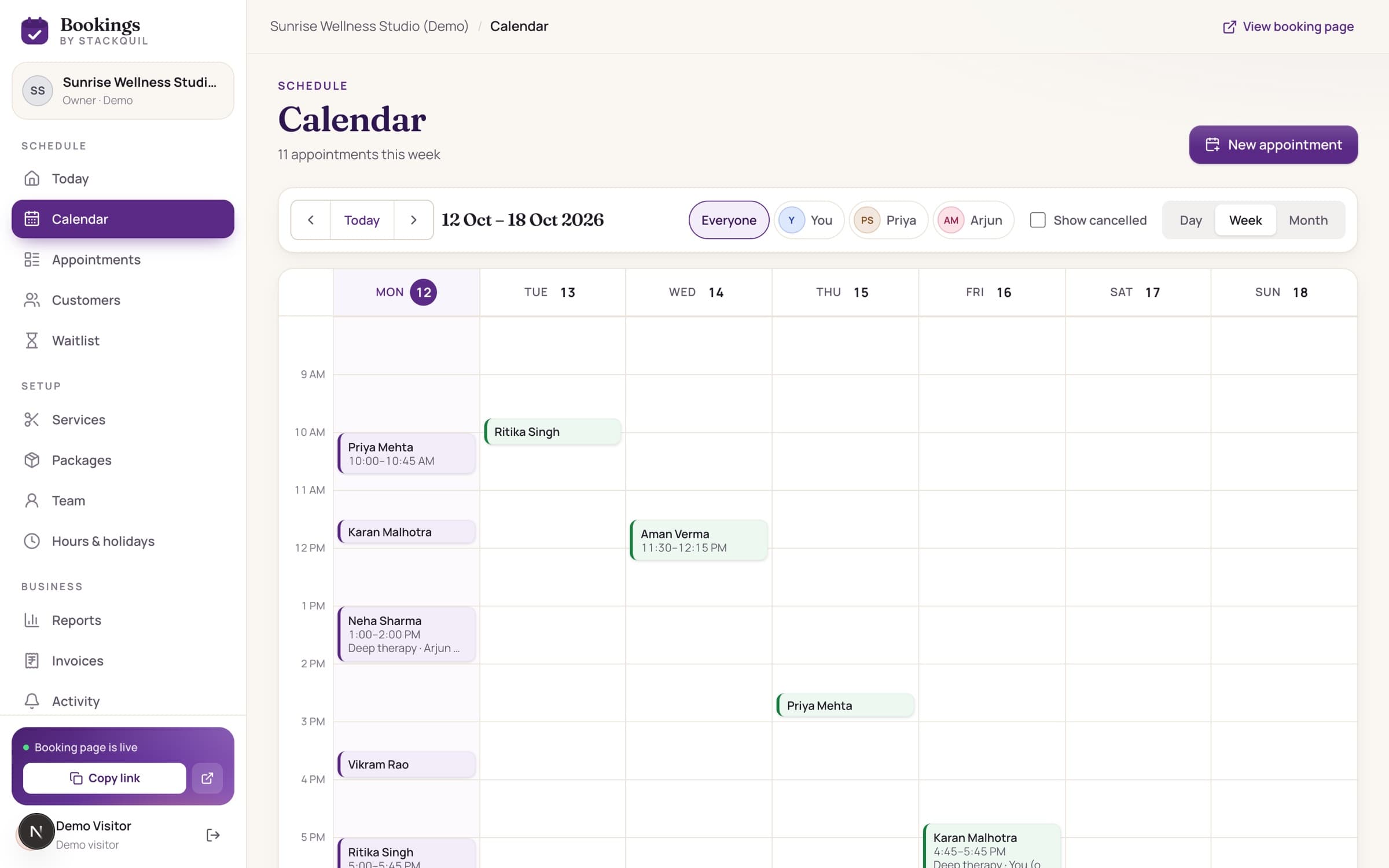
Day, week and month views, colour-coded by status, filtered by team member. Bookings from your page, the app and walk-ins all land here.
No double bookings
Every booking is re-checked on the server at the moment it's saved. Two people can never take the same slot.
Real-world schedules
Breaks, clean-up time, holidays, staff time off, minimum notice and booking windows.
Self-service changes
Customers reschedule or cancel from their link, inside the cut-off you set.
Your own booking page
Services with photos, prices, team and hours on one link for WhatsApp, Instagram or Google.
Reminders
Confirmation, change and 24-hour reminders by email and in the app.
Honest reports
Revenue you actually recorded, busiest hours, top services and repeat customers.
GST invoices & packages
Numbered tax invoices, prepaid session bundles and a waitlist that fills cancelled slots.
Your customers' details stay yours
- Each business's data is separated and checked on every request.
- Staff only see the customers they look after.
- Passwords are hashed; private links can't be guessed.
- Customers can export or delete their data at any time.
Questions, answered
Do customers need to create an account?
No. They can book with their name and email and manage the booking from a private link. An account lets them see all their bookings in one place.
Can two customers book the same time?
No. When a booking is saved, the server locks that team member's schedule, re-checks the slot and only then confirms it.
Do the web dashboard and the mobile app stay in sync?
Yes. Both use the same live account, so a booking, payment or change made in the app shows on the web straight away, and the other way round.
Does it take online payments?
Not yet. Customers pay at the appointment and you record payments in the dashboard or app. Online payments can be added as a custom build.
Can it be customised for my business?
Yes. StackQuil builds custom versions — your branding, your own app in the stores, extra fields or integrations.
Open the demo and book your first slot in a minute.
A private sample business with a full dashboard. No sign-up, nothing to pay.